 linkit





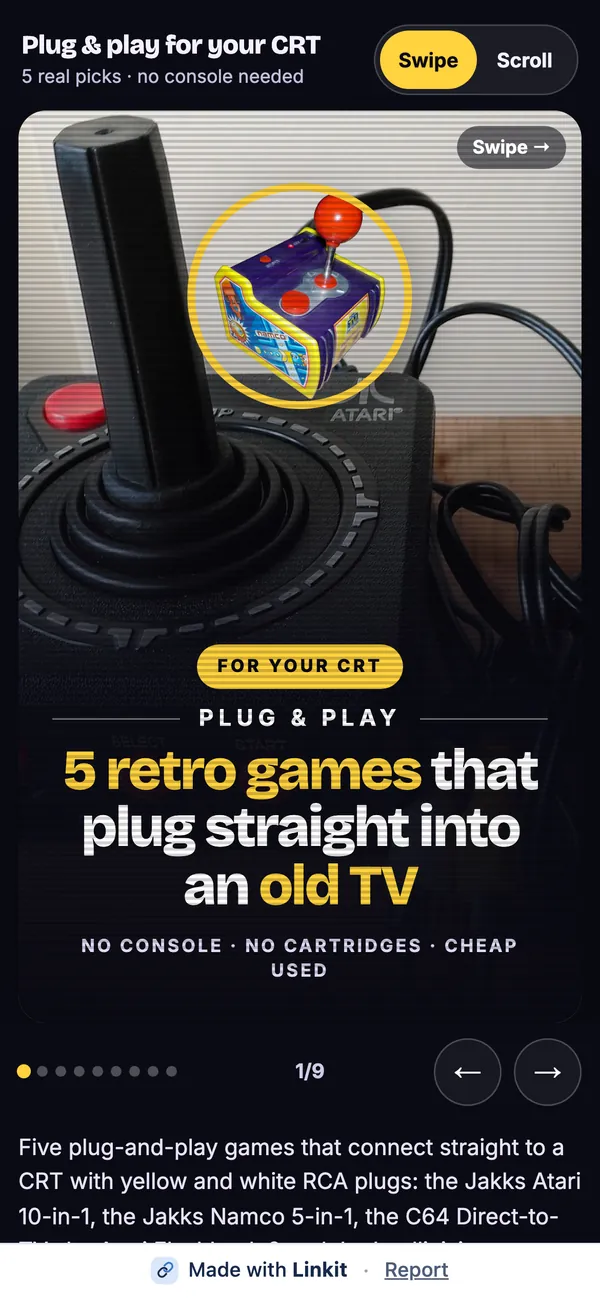
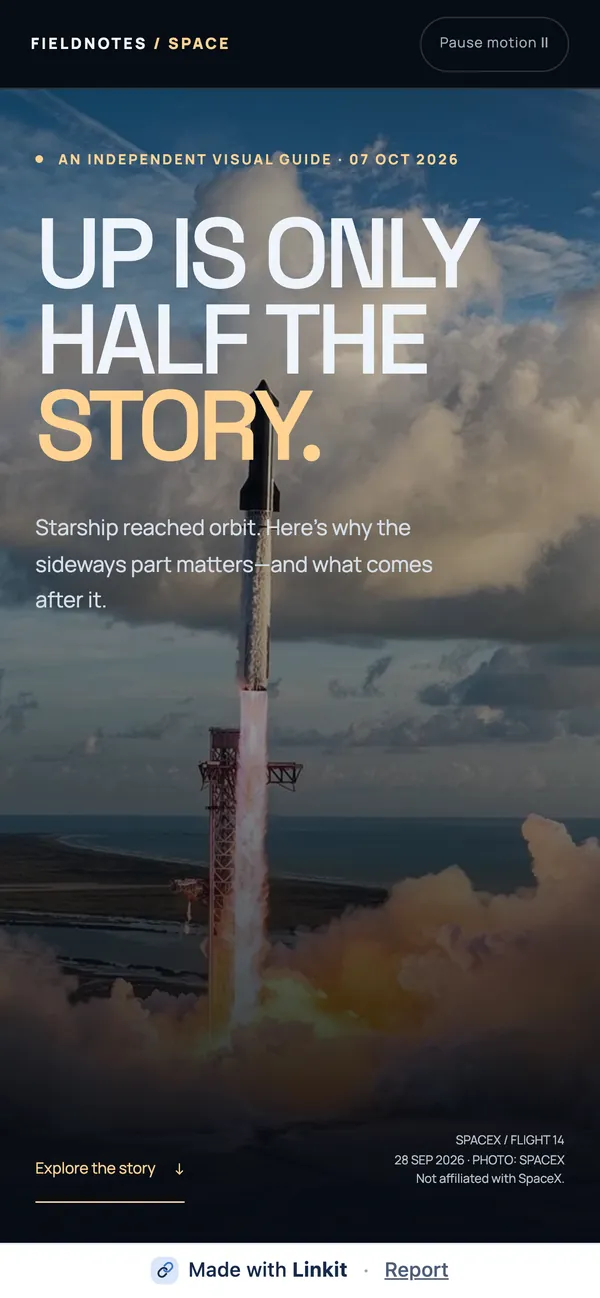
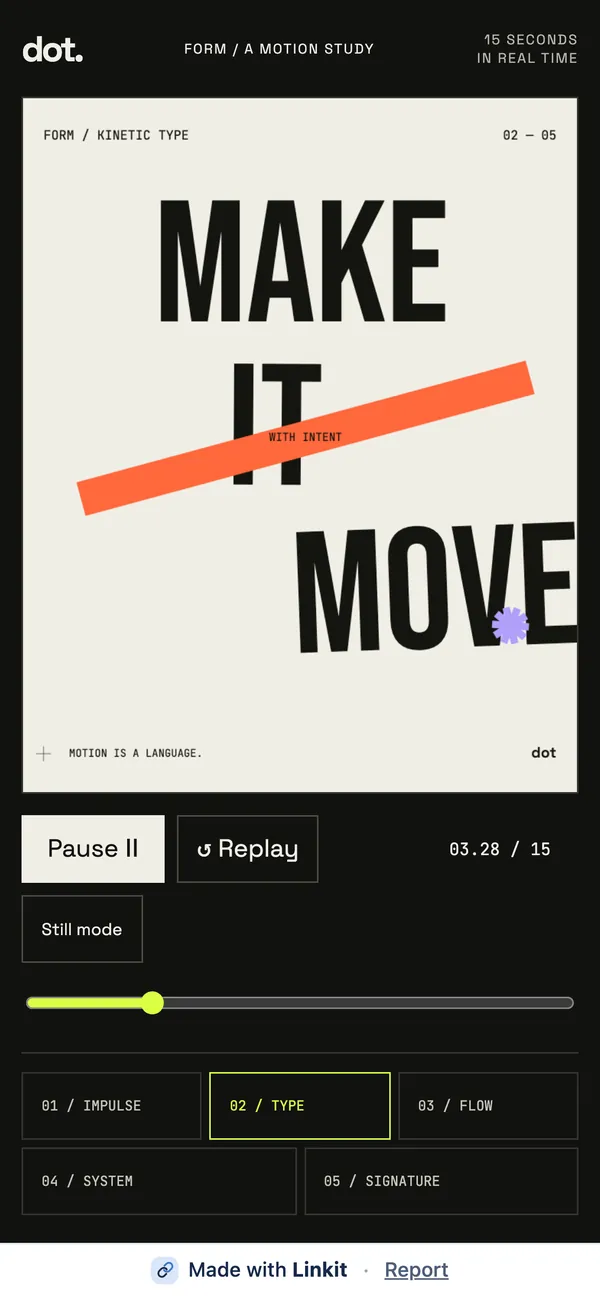

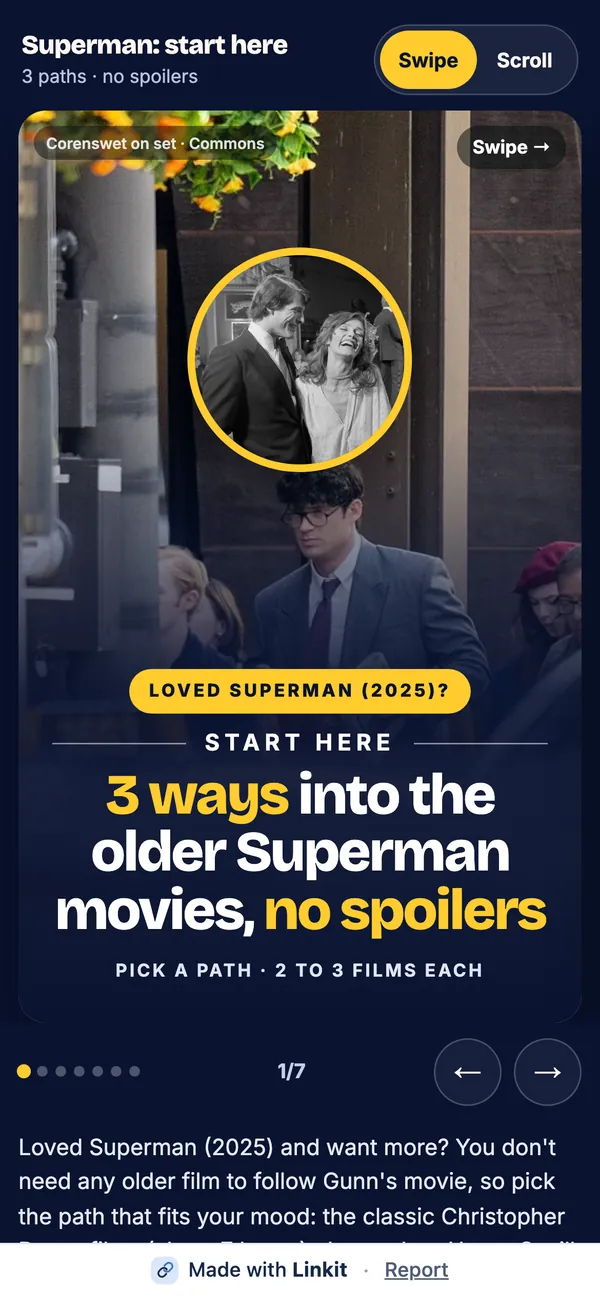
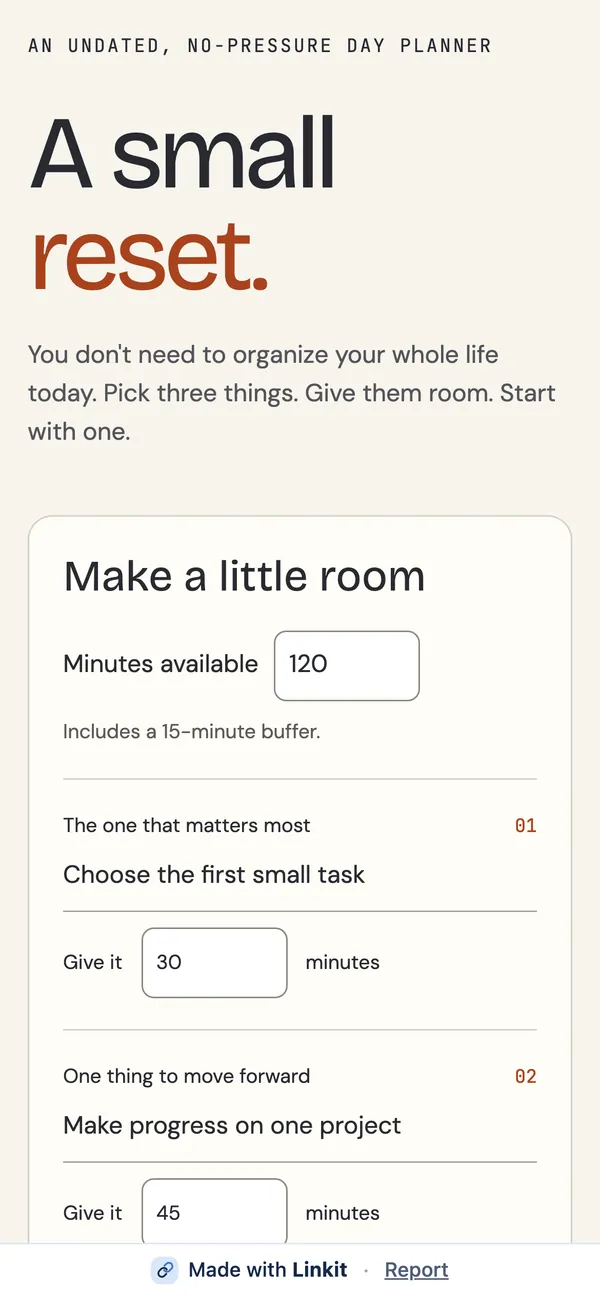


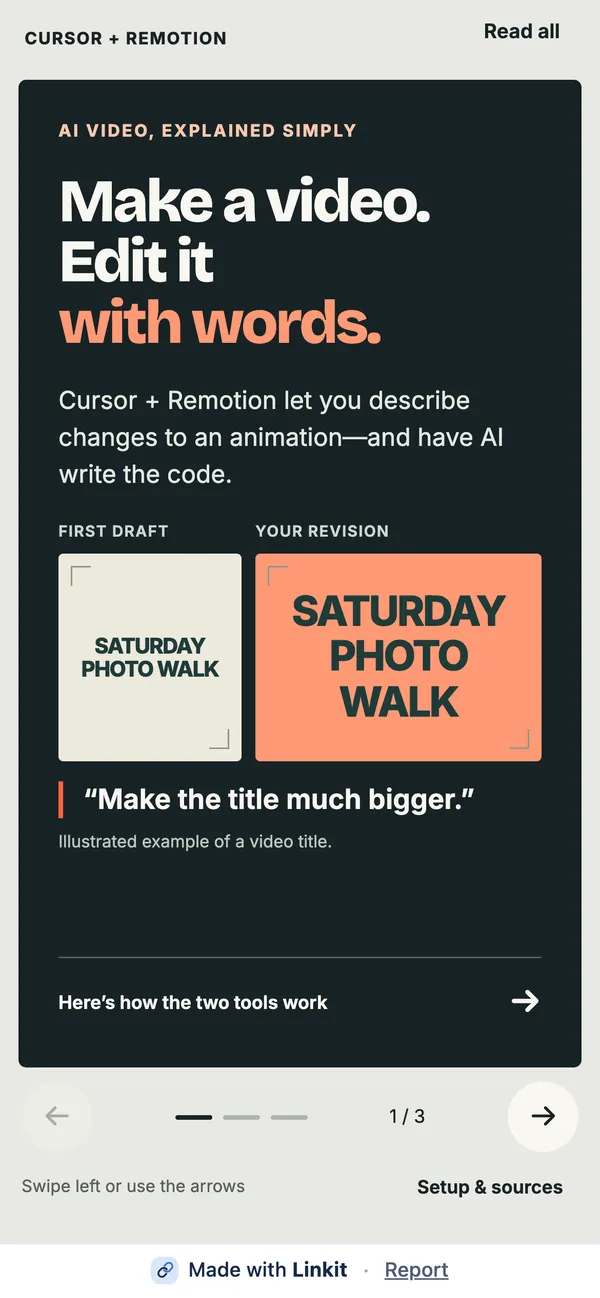
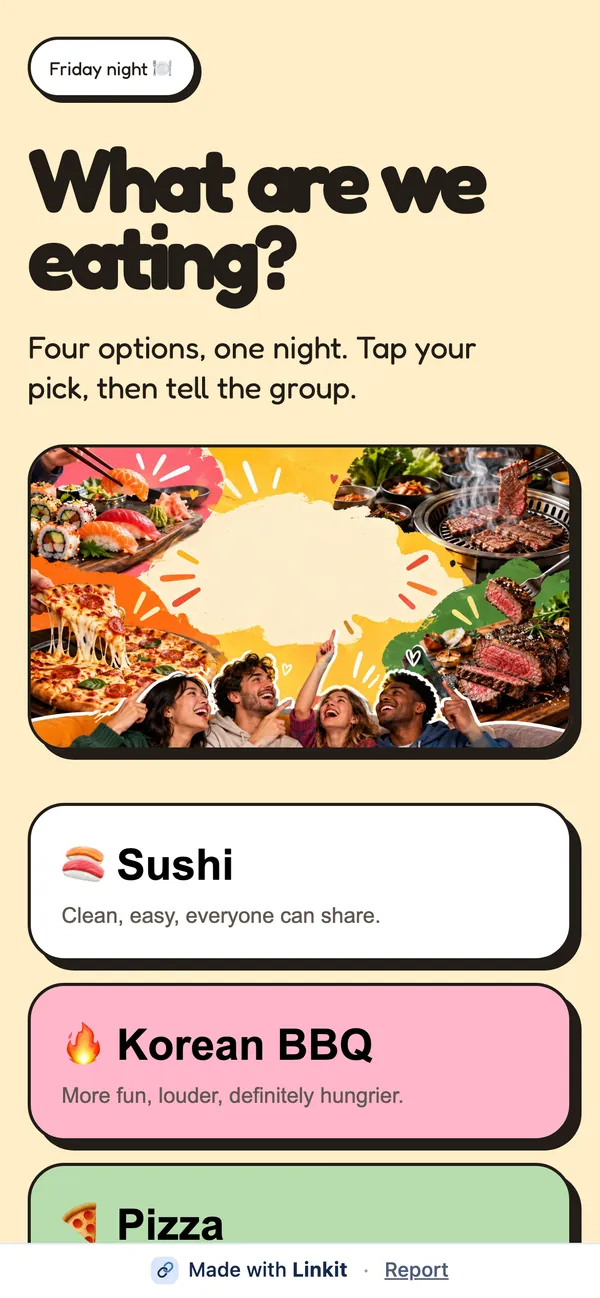
Ask your AI. Make it a Linkit.
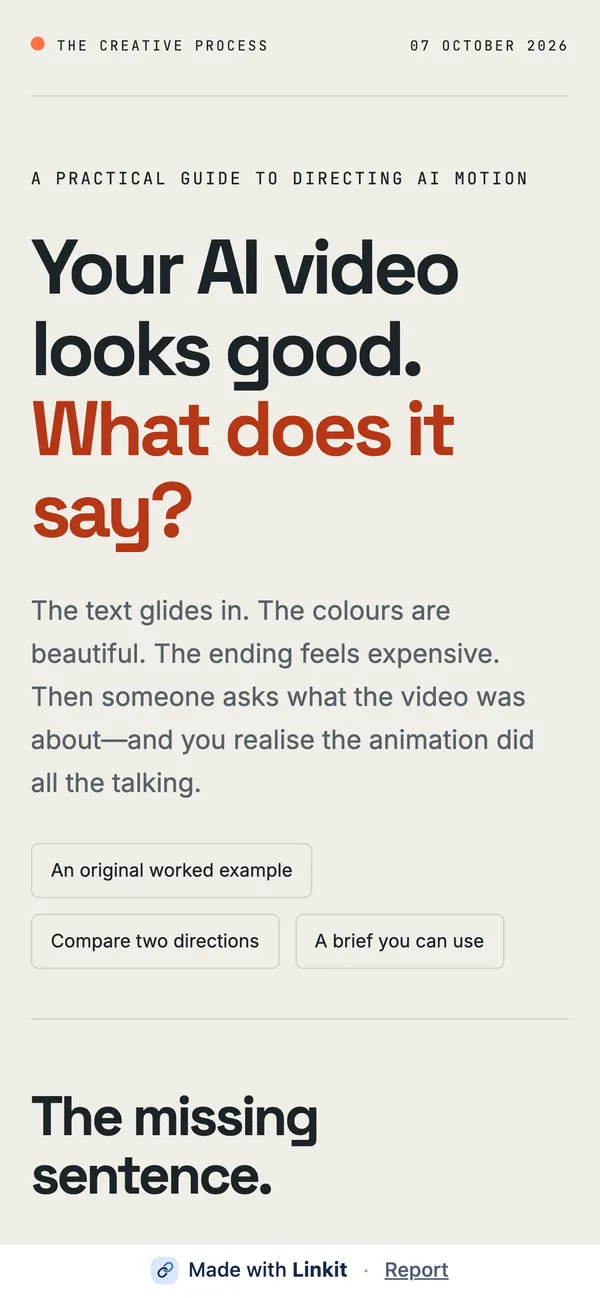
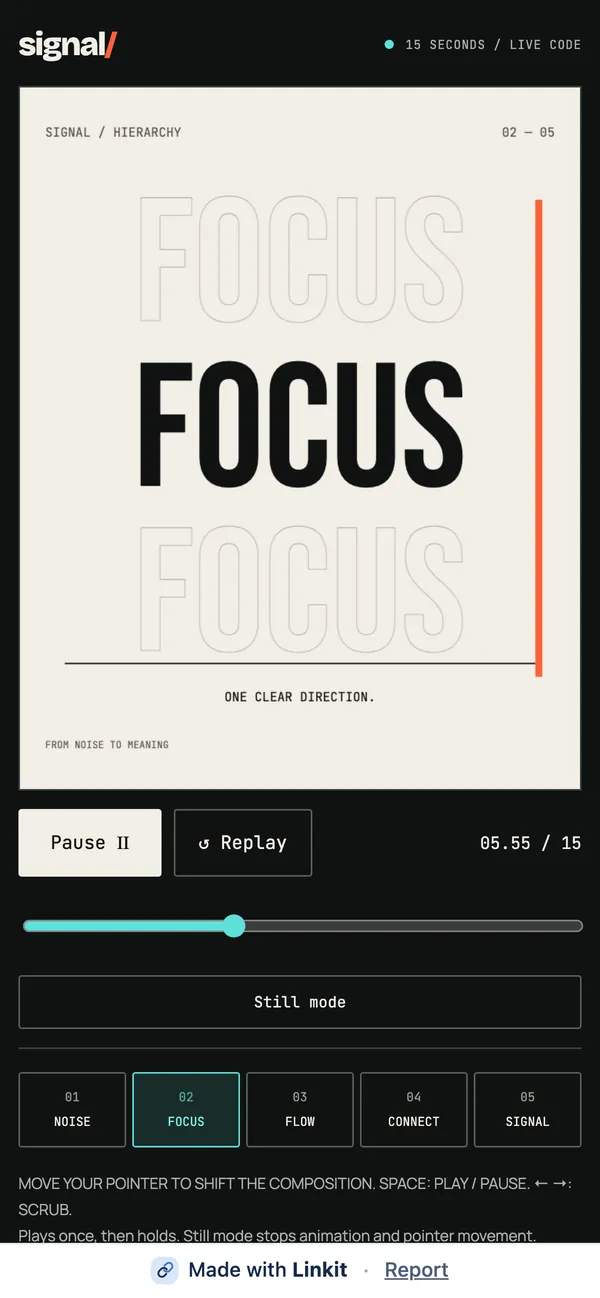
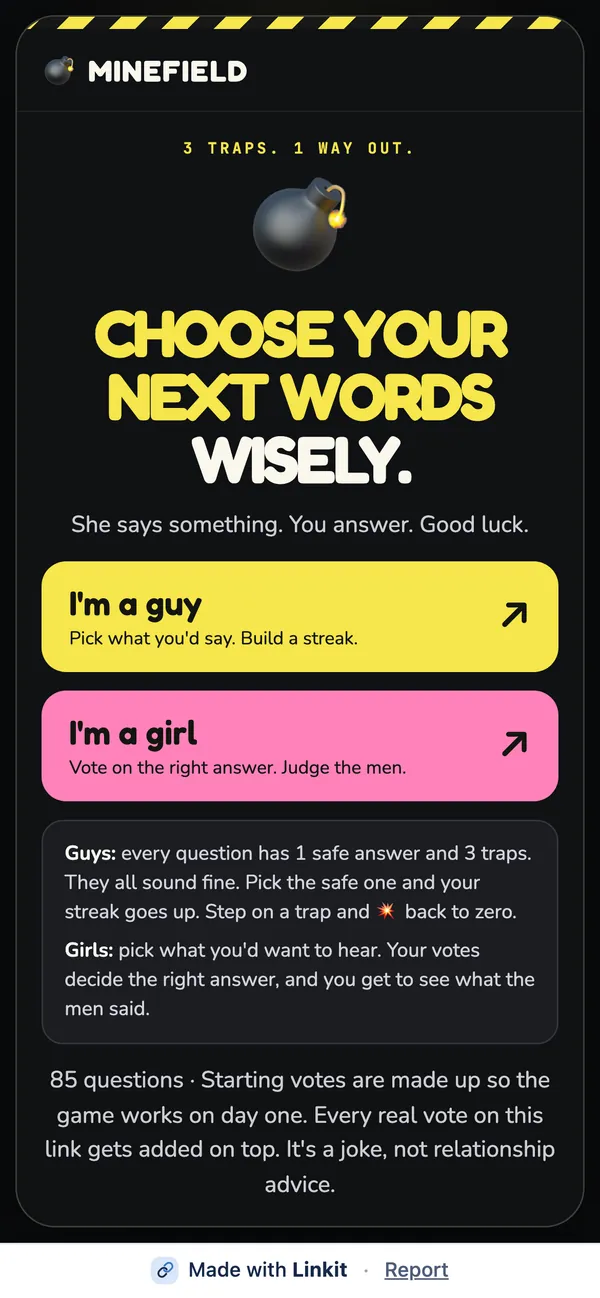
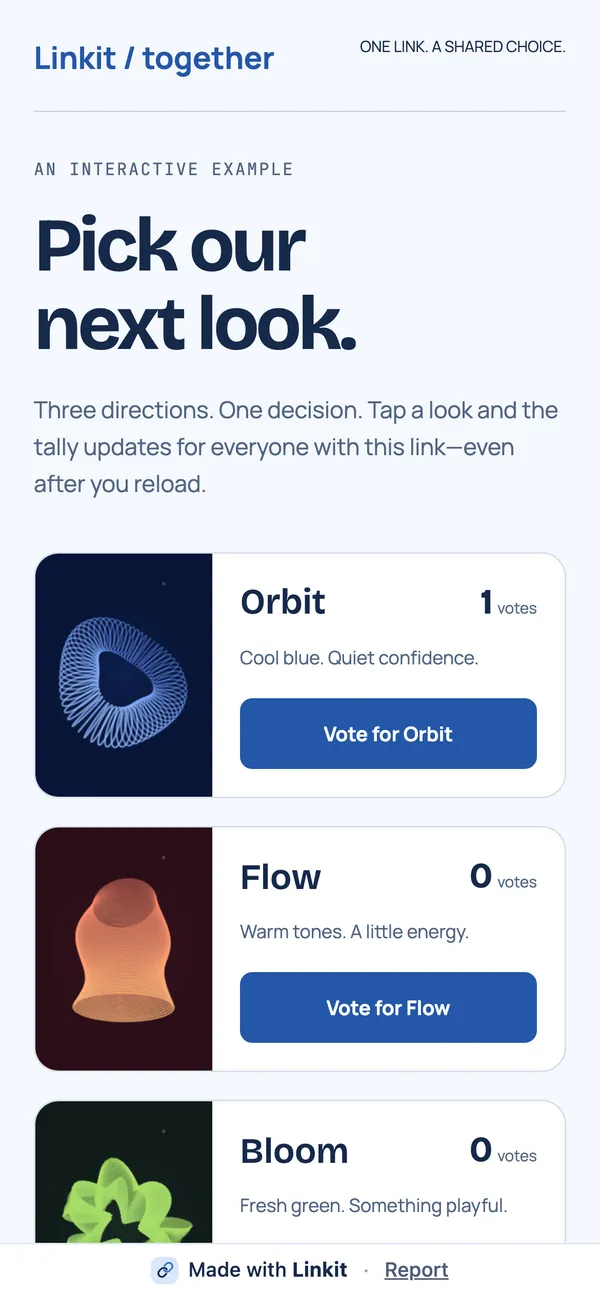
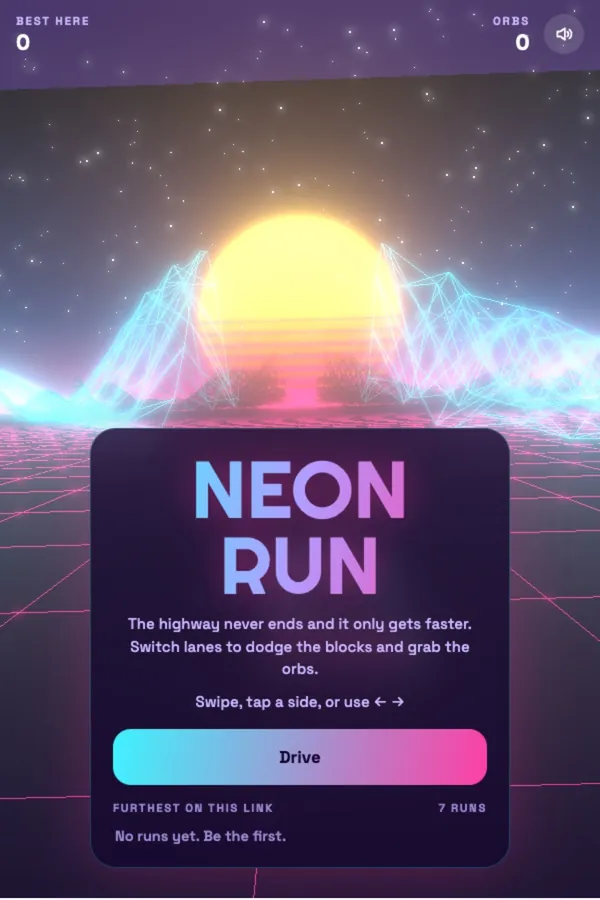
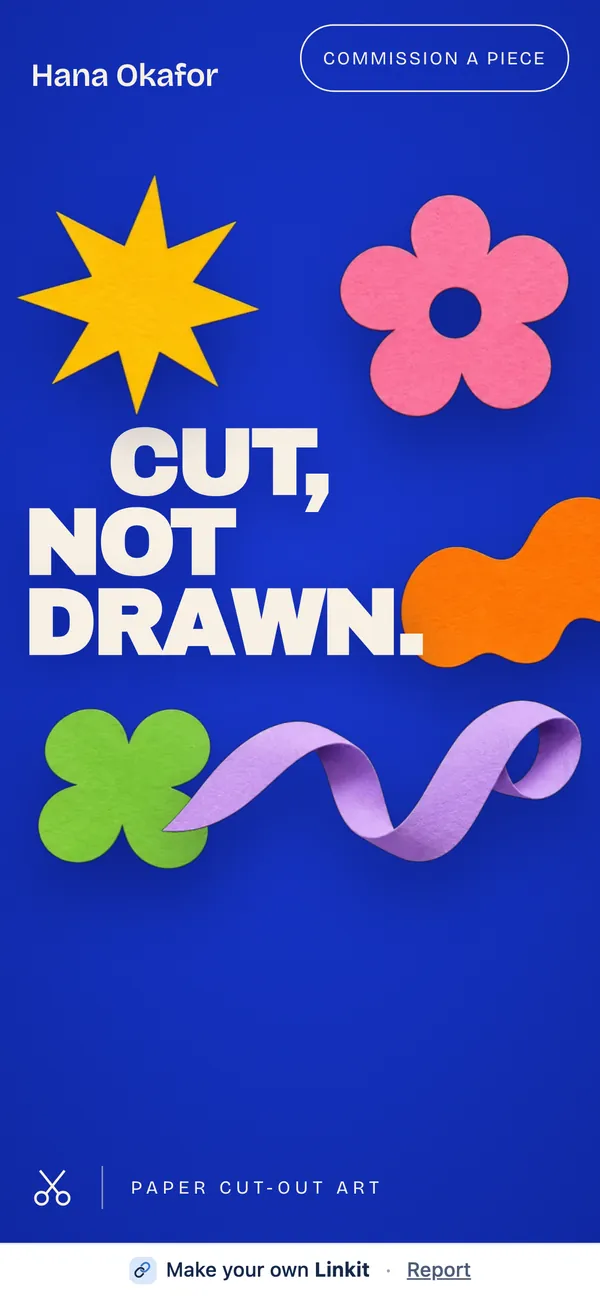
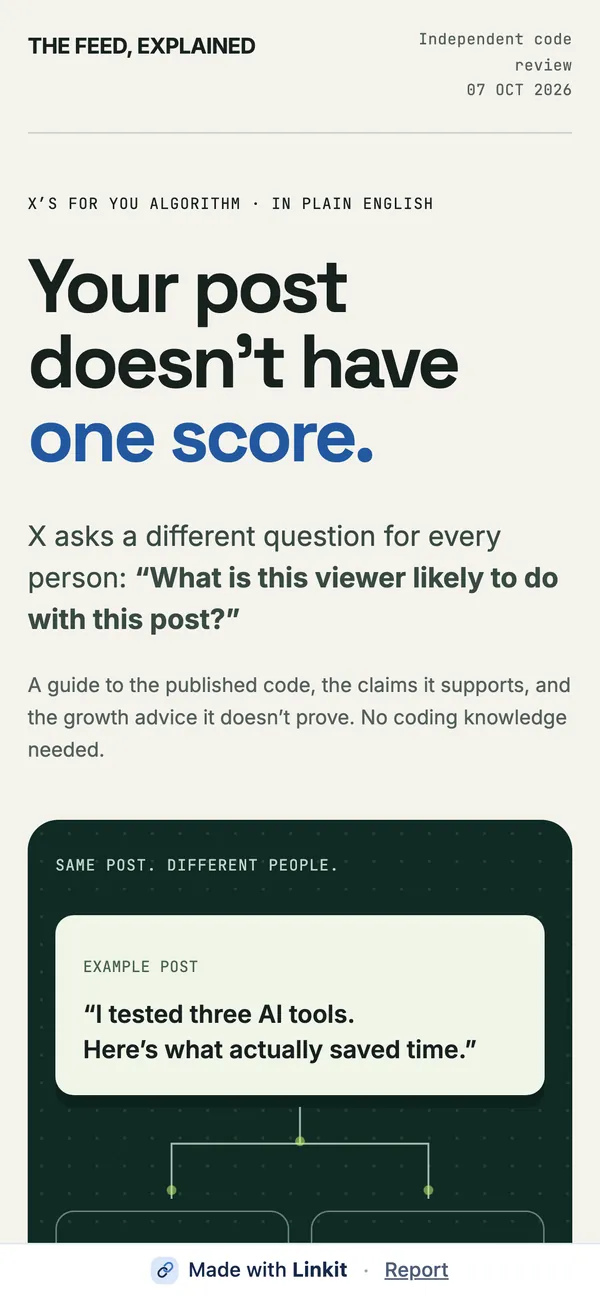
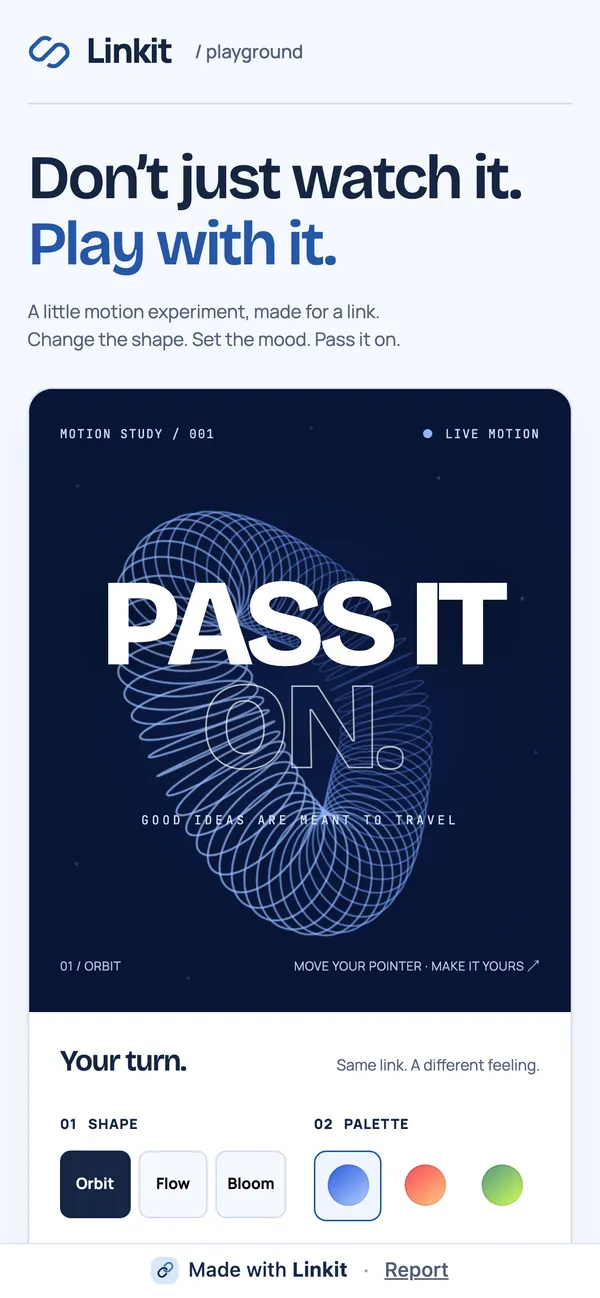
Anything you make in ChatGPT, Claude, Gemini or Grok becomes an interactive web page with its own link to send.
Linkit isn't another AI. It works inside the one you already use. Free to start.
Every AI. One link.
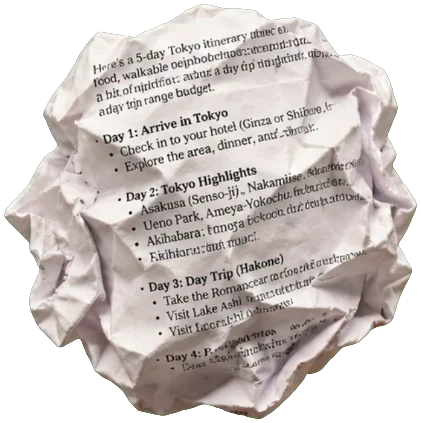
Same answer. Now it's a page.

One step before your first page.
Connect your AI once.
It takes about a minute, and free AI plans work. Do this in a web browser, not the app.
Your link to Linkit
https://app.linkitapp.ai/mcp- On chatgpt.com, choose Plugins, then Add, then Add custom MCP server.
- Name it Linkit, paste the address, keep OAuth, tick the box and choose Create as a plugin.
- Sign in to Linkit. In a chat, type @Linkit.
- Add Linkit to Claude opens claude.ai with Linkit already filled in.
- Check it says Linkit and app.linkitapp.ai, then choose Continue, then Connect.
- Sign in to Linkit. In a chat, turn it on from + then Connectors.
- On gemini.google.com, choose Customize, then Connectors, then + Custom.
- Paste the address, choose Next, tick the box, choose Connect, then Agree and continue.
- Sign in to Linkit, choose Connect, then type @ in a chat and pick Linkit. Choose Always allow.
- On grok.com, choose Plugins at the bottom of the sidebar, then New Connector, then Custom.
- Name it Linkit, paste the address and choose Add Connector.
- Sign in to Linkit. In a chat, turn it on from + then Connectors.
Fromyour AI
Toanyone
Ask your AI.
Make it a Linkit.
Add Linkit to your AI
Free to start. No card needed. Questions first? See support.