 linkit
GuidesUpdated October 18, 2026
Share your AI answers as one link.
Not the whole conversation, not screenshots. Just the answer from ChatGPT, Claude or Grok, as a beautiful, interactive page anyone can open, with photos, maps and buttons they can tap. These guides show you how, step by step.
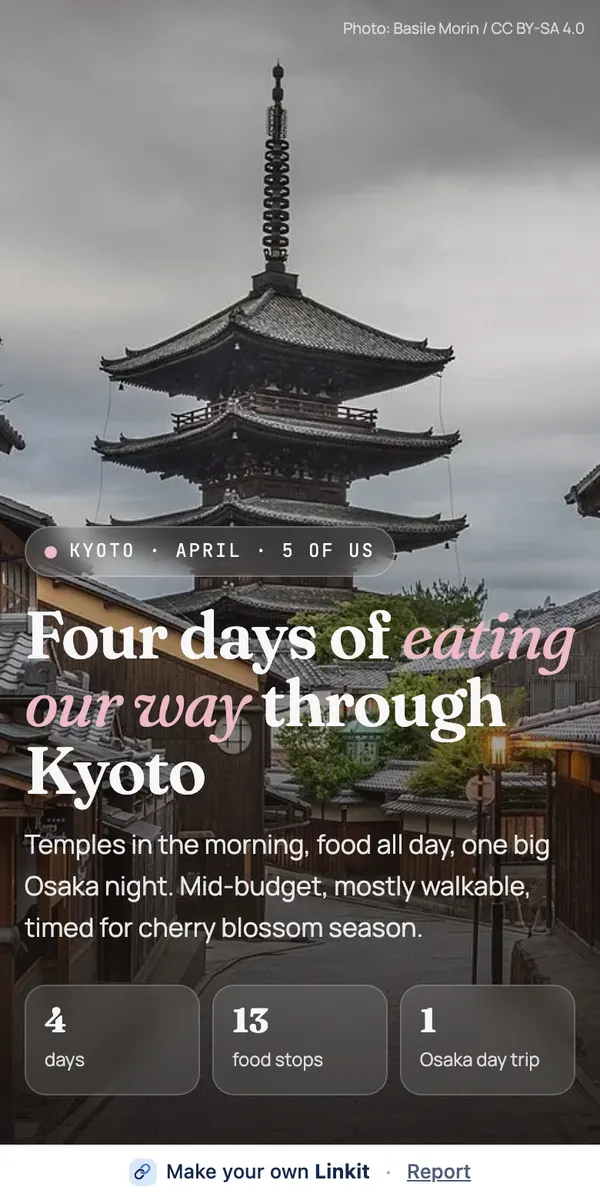 Start here · 6 min readHow to share a ChatGPT conversation (or just the answer)Share a ChatGPT conversation with its built-in link, or send just the answer as one clean page. What each shows, what we measured, and which to use when.Read the guide →
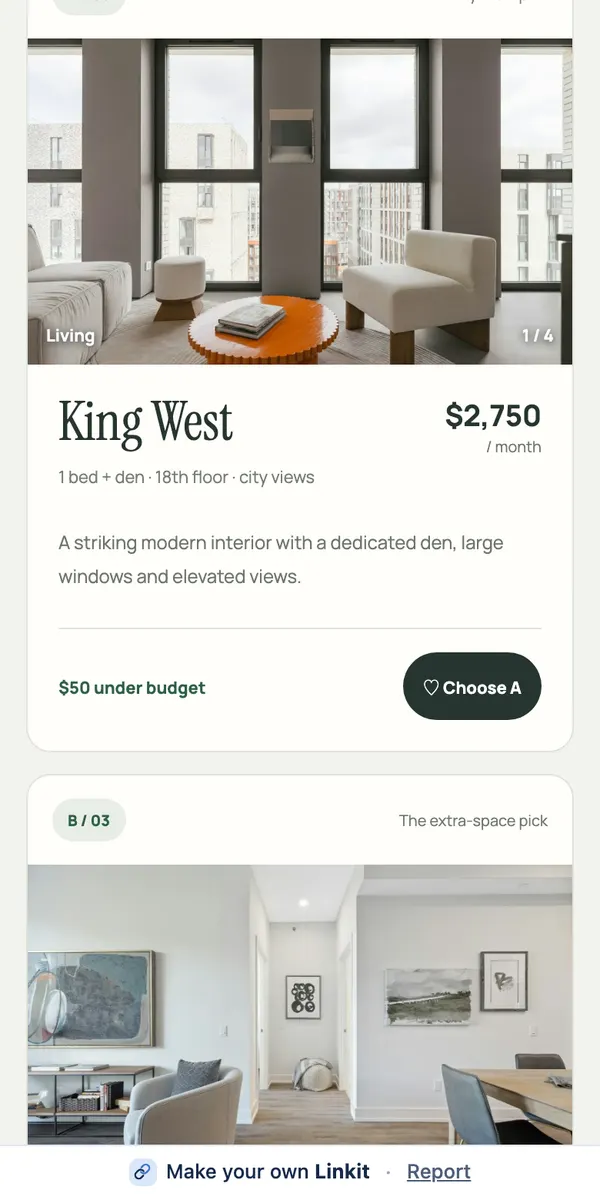 ChatGPT · 4 min readHow to send a ChatGPT answer to someone as a link (not screenshots)Turn a ChatGPT answer into one clean link that opens in any browser, no account needed. Connect Linkit once, type “make this a Linkit”, send the link.Read the guide →
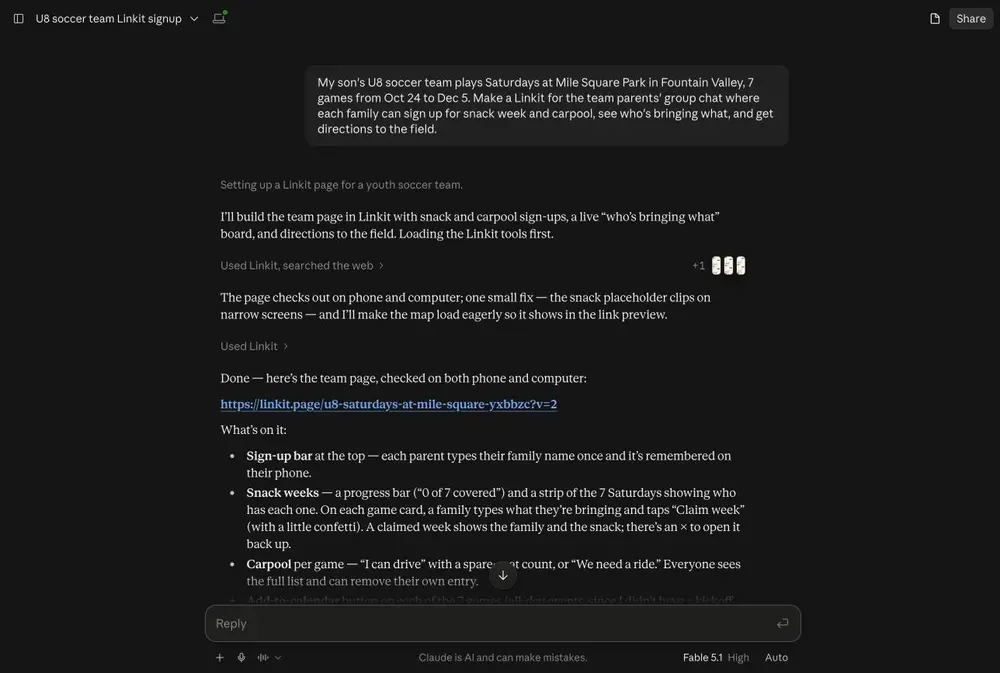 Claude and Grok · 4 min readHow to share a Claude or Grok answer with someone (as a link)Send what you found in Claude or Grok as one clean link that opens in any browser, no account needed. Connect Linkit once, then say “make this a Linkit”.Read the guide →
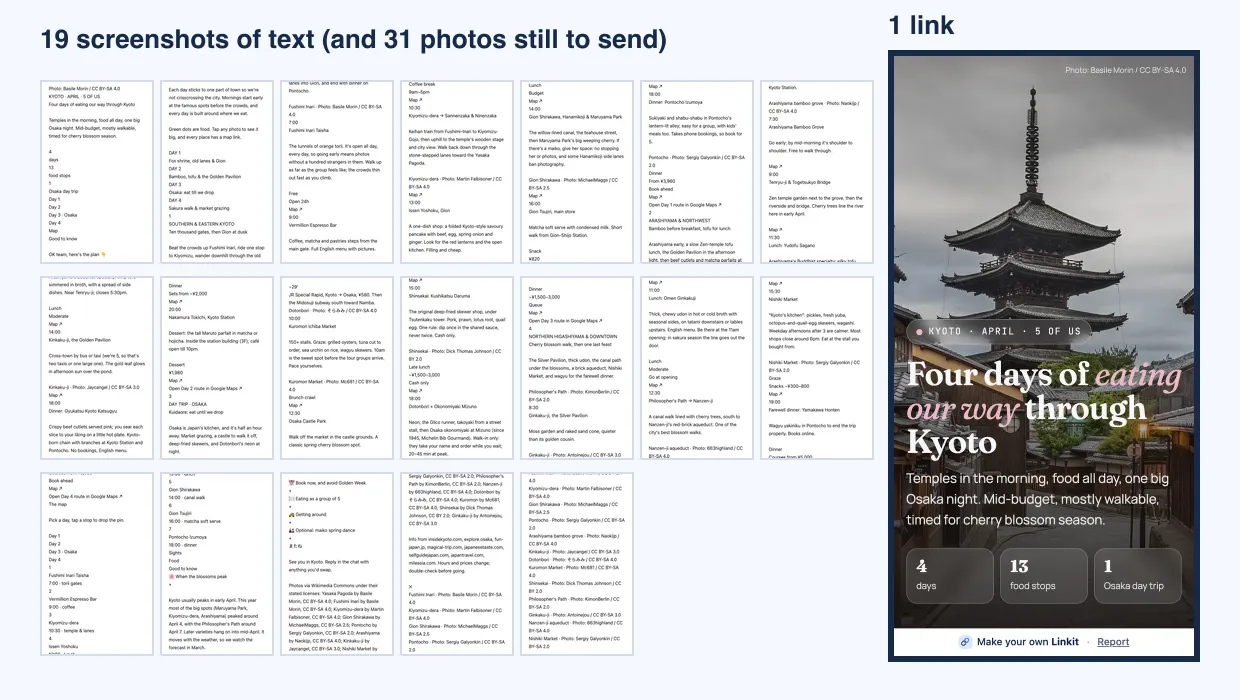 Trips · 5 min readHow to share an AI trip plan with your group as one linkPlanned a trip with ChatGPT, Claude or Grok? Turn the plan into one link your group opens on their phones: days, places, photos and maps, no screenshots.Read the guide →
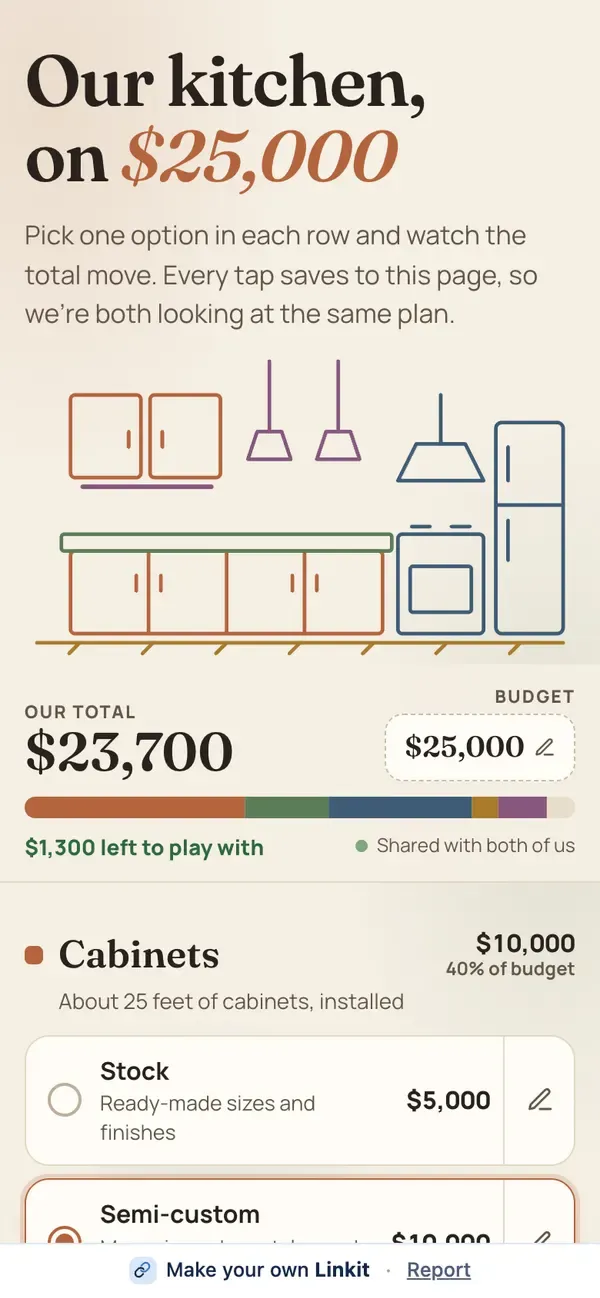 Votes and sign-ups · 4 min readHow to make a group poll from an AI chat and send it to friendsAsk ChatGPT, Claude or Grok to compare the options, then say “make this a Linkit with a vote”. One link; everyone taps and sees the same result.Read the guide →
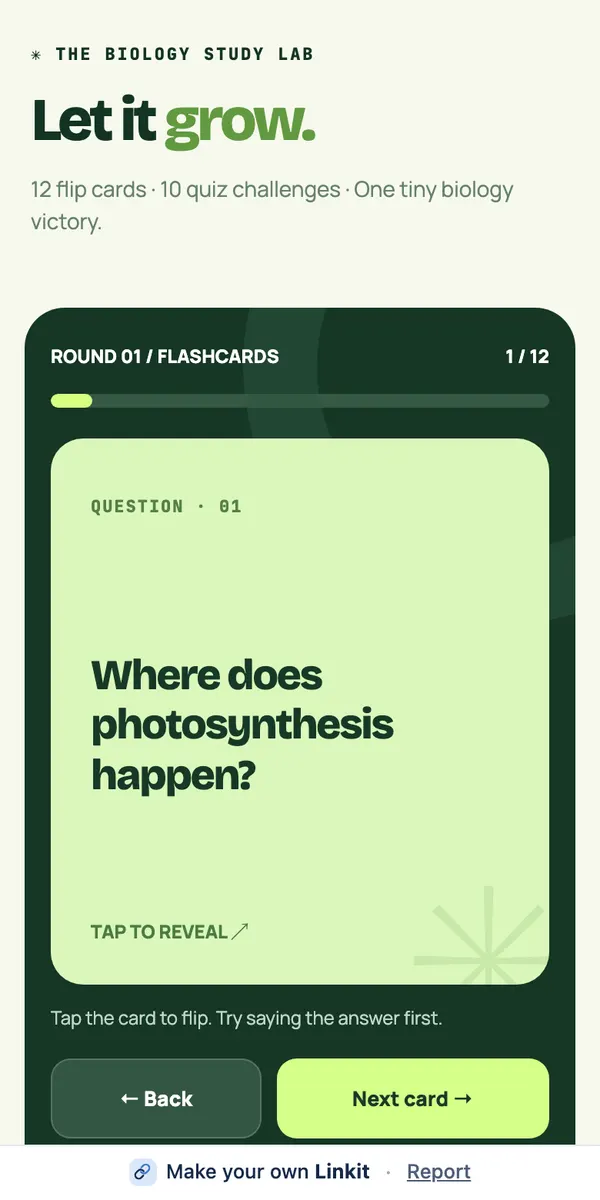 Compare · 3 min readChatGPT share links vs. Linkit: which should you send?ChatGPT’s share link shows your whole conversation. A Linkit link shows one page made from the result. Side by side, plus a simple rule for which to send.Read the guide →
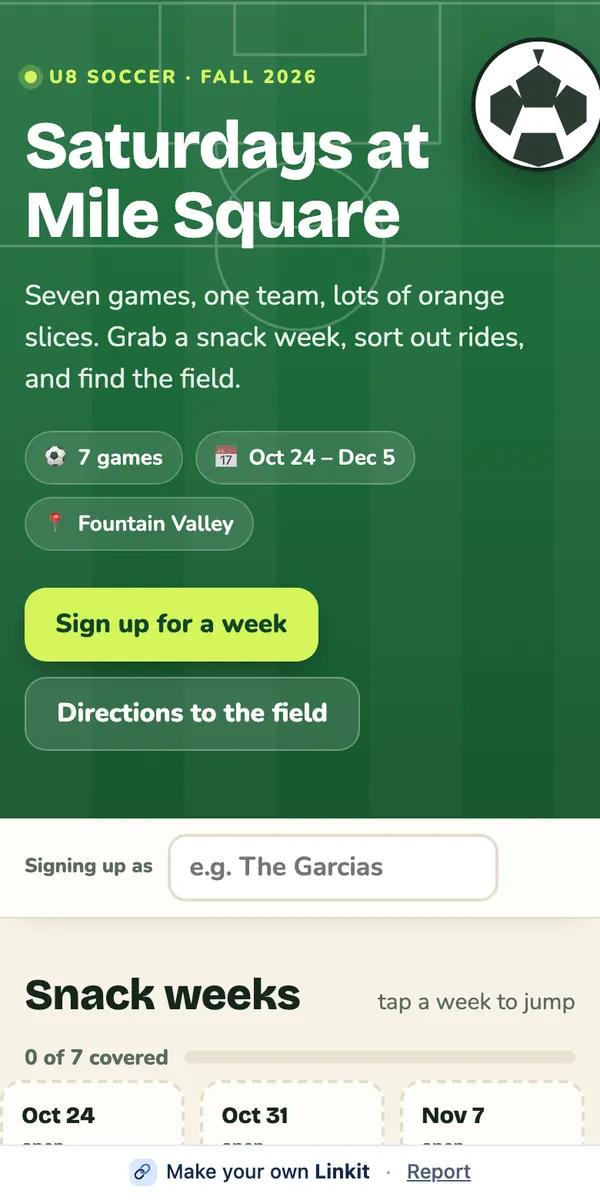 Group chats · 4 min readHow to send an AI plan to a group chat without screenshotsSend a plan from ChatGPT, Claude or Grok to WhatsApp or iMessage as one short link, not a stack of screenshots. Everyone opens it; the link stays the same.Read the guide →
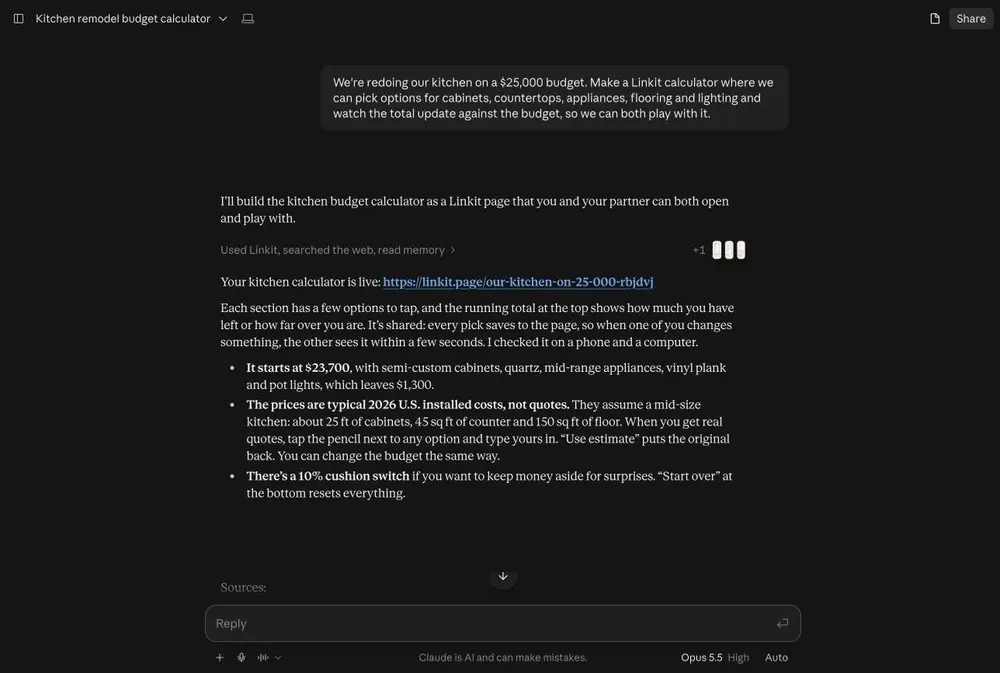 Claude · 4 min readHow to share a Claude artifact with someone (as one link)Share a Claude artifact or chat with someone who doesn't use Claude: connect Linkit once, say “make this a Linkit”, and send one link that opens in any browser.Read the guide →
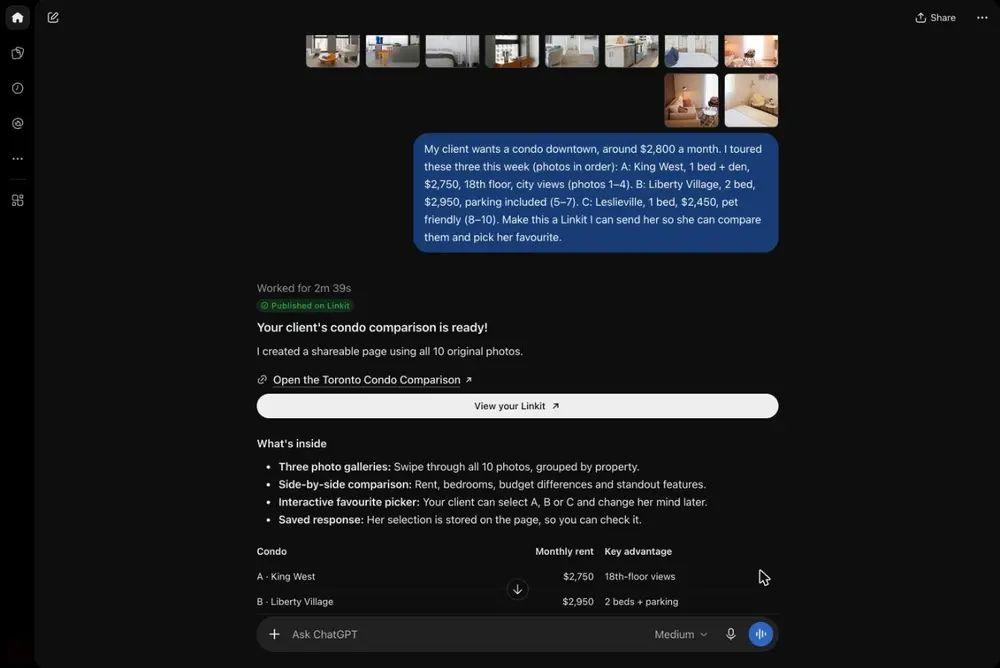 Fix it · 3 min readChatGPT share link not working? What to check, and another wayChatGPT share link not working? Check the whole link was copied and ask for a fresh one. Or, if you're the sender, send the answer as a page that opens anywhere.Read the guide →
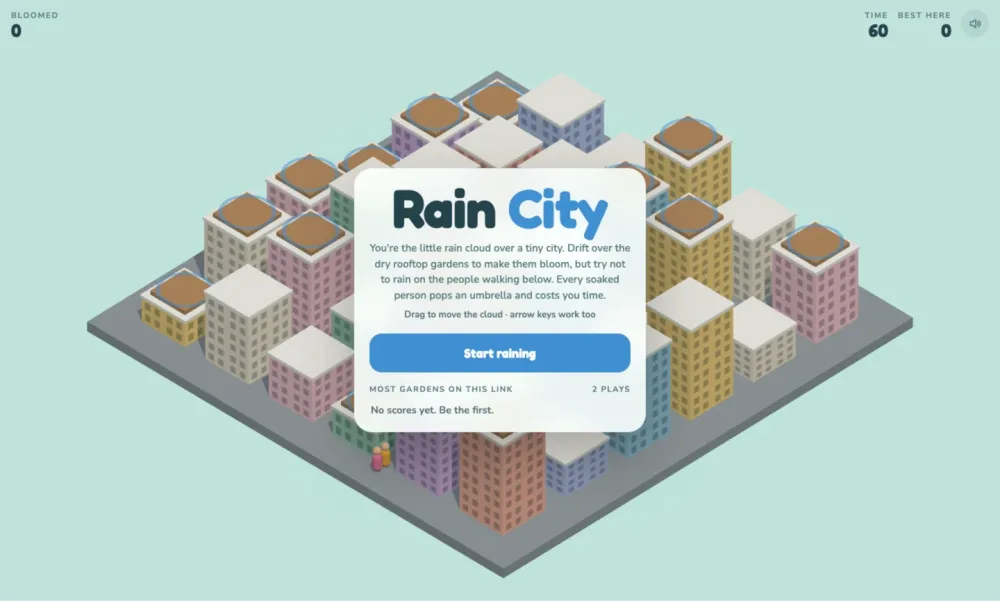 Vibe coding · 4 min readHow to share something you vibe coded as one linkVibe coding sharing platform: if your coding agent can add a connector, say “make this a Linkit” and your site, game or tool becomes one link anyone can open.Read the guide →
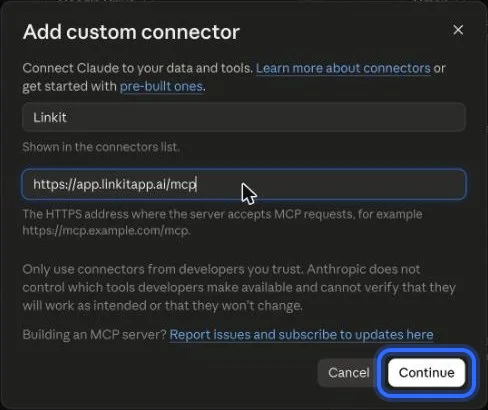 Setup · 3 min readHow to connect Linkit to ChatGPT, Claude or Grok (step by step)Connect Linkit to ChatGPT, Claude or Grok once, in about a minute, with the real screens for every step. Free plans work. Then say “make this a Linkit”.Read the guide →
Every guide comes down to this
How do I share an AI answer as a link?
-
1
Connect once
Add Linkit to ChatGPT, Claude or Grok. About a minute, and the free plans work.
Steps for each AI → -
2
Say the words
When an answer is worth sending, type “Make this a Linkit.” Add who it's for and it fits them.
Copy the line → -
3
Send the link
It opens in any browser, with no app or account. Ask your AI for changes later; the link stays the same.
Ready to copy
Type this under the answer.
In ChatGPT, start with “@Linkit”. In Claude or Grok, turn Linkit on from the + menu in the chat first.
Make this a Linkit. Keep it clear and easy to read on a phone.