AI can build it. What happens when you share it?
Which AI tool lets people open, use and keep updating what you made?
Researched by Linkit. Based on official documentation, with the limits left in.

Sharing is more than a link. Check who can open it, what they can do, which AI can update it, and when it ends.
You ask your AI to plan a trip. A few messages later, you have an itinerary, a map and a budget. Or you make an invitation, a little game, a dashboard or a shortlist of homes.
Then you send it to someone. Can they open it? Do the buttons work for them? Will their answer still be there tomorrow? Can you change the details without sending a new link?
Several AI products already offer public links. The useful comparison is what happens on the other side.
What happens after you press Share?
| Feature | Claude | Linkit |
|---|---|---|
| Make it by describing it | ✓ | ✓With a connected AI |
| Share beyond your account | ✓Plan & artifact rules | ✓Public link |
| Open without an account | ◐Most public artifacts | ✓ |
| Visitors save shared information | ◐Access rules apply | ✓Public page data |
| Who edits it through AI? | Claude | Your connected AI |
| Built-in link lifetime choice | ?Not confirmed | ✓Pro; Free is 7 days |
| What you need | Claude | Sites | Muse | Grok | Tabletop | Linkit |
|---|---|---|---|---|---|---|
| Make it by describing it | ✓ | ✓ | ✓ | ✓Reports & controls | ✓ | ✓With a connected AI |
| Share beyond your account | ✓Plan & artifact rules | ✓Public or restricted | —Sharing being explored | ✓Public or team | ✓Group invite link | ✓Public link |
| Open without an account | ◐Most public artifacts | ◐Public sites | —No external sharing announced | ✓Public pages | ?Not confirmed | ✓ |
| Visitors save shared information | ◐Access rules apply | ✓Database & permissions | —Personal use described | —Controls do not save | ✓Live collaboration | ✓Public page data |
| Who edits it through AI? | Claude | ChatGPT / Codex | Muse | Grok Bot | @tabletop | Your connected AI |
| Built-in link lifetime choice | ?Not confirmed | ?Not confirmed | ?Not confirmed | ?Not confirmed | ?Not confirmed | ✓Pro; Free is 7 days |
A question mark does not mean “impossible.” It means the reviewed documentation did not confirm that feature. Custom code or a scheduled action could handle a deadline differently. This table compares the named products, not everything their parent companies can build.
Opening a page is not the same as using every feature. Claude’s stored data and AI features have extra rules. A public ChatGPT Site can include its own sign-in features. See the conditions ↓
Two different kinds of sharing. Google describes a group invite link for Tabletop, but does not establish anonymous access in its launch post. Muse says it is exploring sharing. See the rollout details ↓
Different tools. Different jobs.
Start with what the next person needs to do. These are the differences that change the experience.
A useful thing beside the conversation.
Artifacts cover documents, designs, dashboards and interactive tools. Depending on the plan and permissions, they can use Claude, connect to apps and keep personal or shared data.
They fit work you want to keep refining inside Claude. The part to check is the recipient’s access: opening an artifact does not necessarily give someone its owner’s full experience.
Legacy chat artifacts follow different rules, including a Free-plan publishing option. Do not use that exception to describe all new artifacts.
Build and run a website or app.
Sites goes further into running an application: databases, files, secrets, access controls, deployment and custom domains where available. Collaborators can help edit, and new versions update the same live site.
A public Site can already be shared outside ChatGPT. That makes it a strong option when you need a fuller application, including a backend and more control over access.
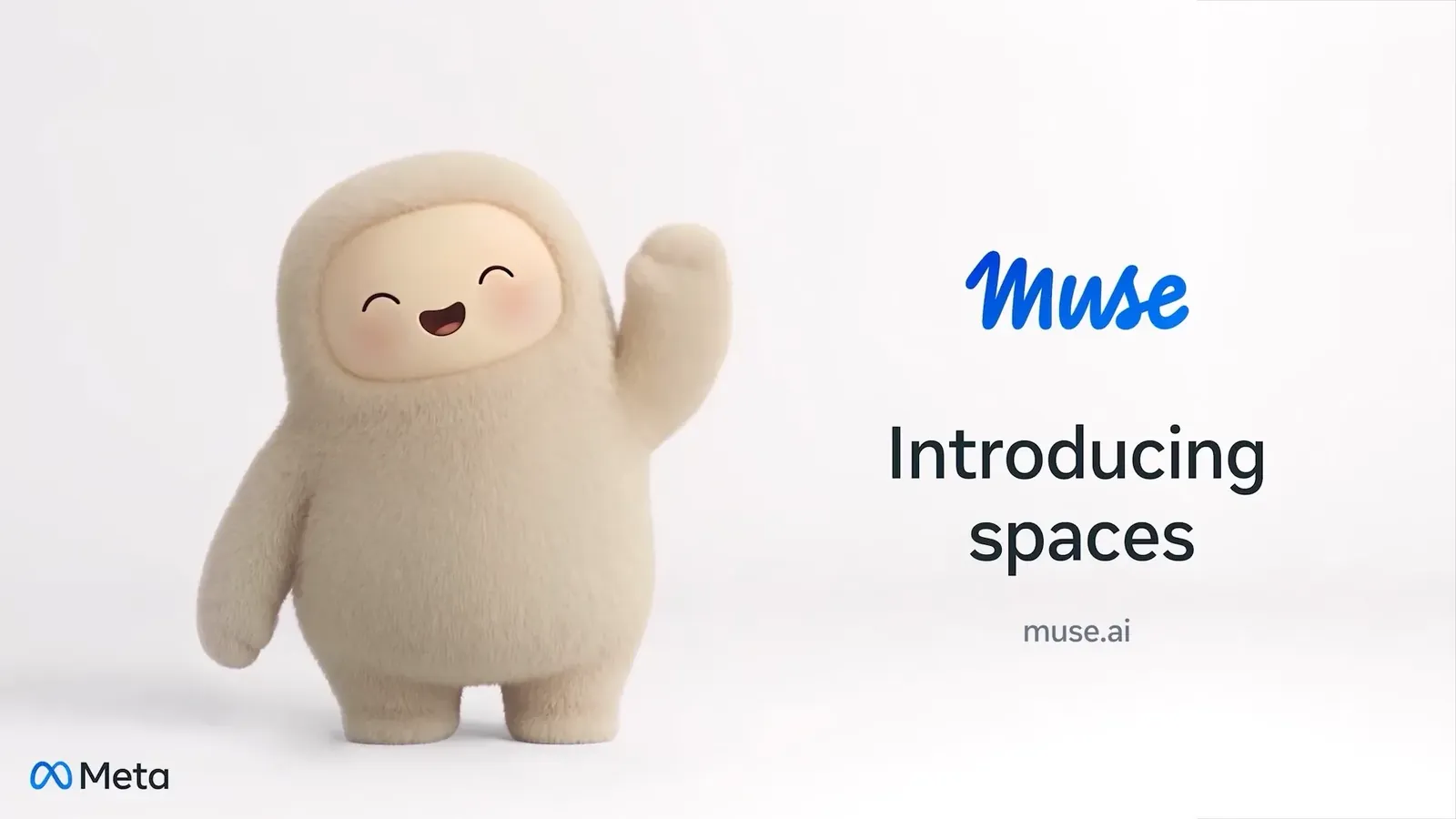
Make your own tools inside Muse.
Spaces makes the AI app itself more personal. Meta’s examples include a wedding planner, a shopping hub and a client tracker. You can rearrange spaces, change them through conversation and keep your notes between visits.
Connected apps can help those tools stay current. This is appealing when the useful thing is part of your own daily workflow.
A report the bot can keep updating.
Pages suits reports, explainers and dashboards with charts, filters and switches. Grok Bot can revise an existing page, including through a routine. Public pages have their own address and open without sign-in.
The key distinction is what gets saved. Visitor controls change the view, but their actions are not stored. The bot updates the page itself.
Make something together.
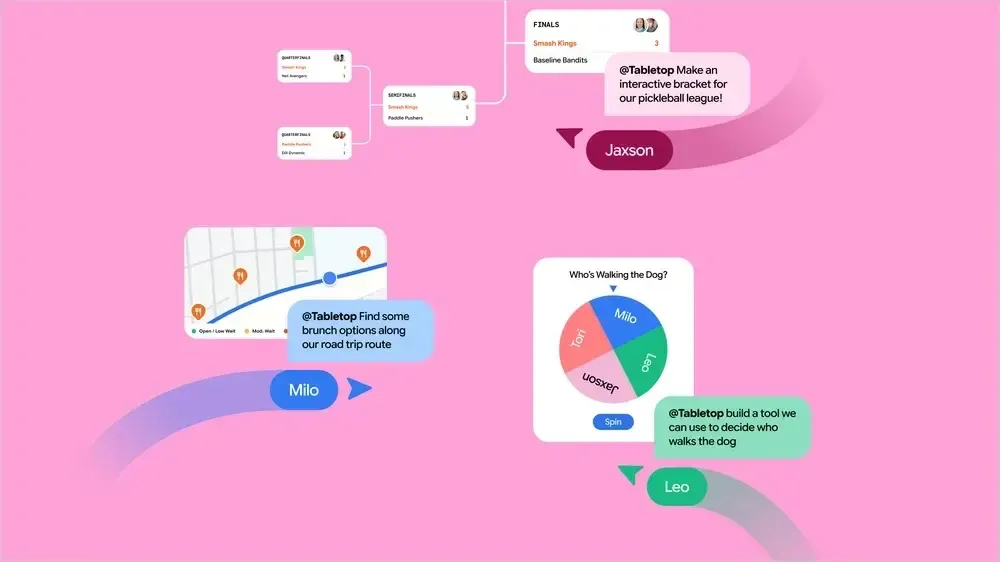
Tabletop starts with a group. Add links, files and ideas, then ask @tabletop to make an itinerary, dinner poll, expense splitter or tournament bracket. Share an invite so the group can use the space together in real time.
This is the product here whose launch story is explicitly about people collaborating together.
Google calls it Tabletop from Google Labs, rather than a feature named “Gemini Tabletop.”
So why was Linkit made?
Some things are worth sharing without becoming another permanent project to maintain.
An invitation matters until the party is over. A shortlist matters while the homes are available. A trip plan needs to stay useful as the details change. A guide might deserve a permanent home.
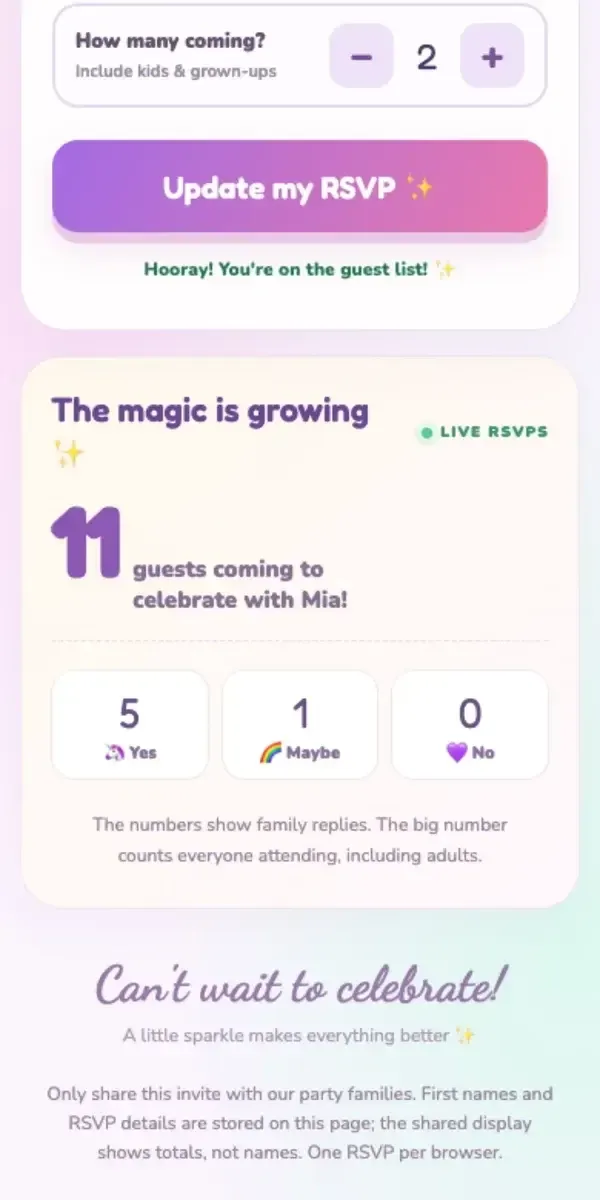
Linkit gives the AI you already use a place to publish those things. Connect a supported AI, ask it to make the page, and send the link. The recipient opens and uses it in a browser without creating a Linkit account.
Cross-AI connections do not automatically import a private Muse Space or another provider’s app. And “forever” is a no-expiry setting, not a promise of eternal hosting.
When another tool fits better.
Match the job, not the logo.
For a private team application with individual permissions and backend logic, evaluate a fuller app platform. For a group building together, Tabletop is designed around that goal, subject to its rollout.
For a personal tool that belongs inside Muse, Spaces may be the natural home. Linkit fits lightweight pages, games, guides and simple shared interactions you want people to open easily.
Linkit has tradeoffs too.
You must connect it first. Page quality depends on what the AI builds. Photo handling varies: Linkit’s documentation says Claude attachments need a separate upload path, while ChatGPT can pass photos from the chat.
Shared page data is public to people with access to the link. Expiration does not replace authentication or erase screenshots and copies. Keep confidential records and sensitive details out of it.
What should the next person be able to do when they open this?
Read a report, answer an invitation, keep a personal tracker or build with a group. Start there, then choose the sharing model that fits.
Sources & scope
Checked against official documentation on 12 November 2026. Written by Linkit, with that interest disclosed. This is a documentation comparison, not a hands-on benchmark of every plan and rollout. Features may vary by account, plan and region. Unknowns stay unknown.
- 1. Anthropic: sharing artifacts ↗
- 2. Anthropic: artifact capabilities ↗
- 3. OpenAI: publishing and sharing Sites ↗
- 4. OpenAI: creating and using Sites ↗
- 5. Meta: introducing Muse Spaces ↗
- 6. xAI: Grok Bot Pages ↗
- 7. Google: introducing Tabletop ↗
- 8. Linkit: support and link lifetimes ↗
- 9. Linkit: birthday RSVP walkthrough ↗
- 10. Linkit: connecting your AI ↗
Product names and imagery belong to their respective owners. The hero is an editorial illustration. Official source artwork and demonstration thumbnails are credited beside each image.