linkit
Guide5 min readUpdated November 7, 2026
Can you share Muse Spaces?
Not yet. Muse Spaces are personal mini apps that live inside your Muse app, and Meta says it's “exploring ways for you to share your spaces with others”. To send a tracker, planner or game to someone today, make it in ChatGPT, Claude, Grok or Gemini and say “make this a Linkit”. You get one link that opens in any browser, with no app or account.
Show me how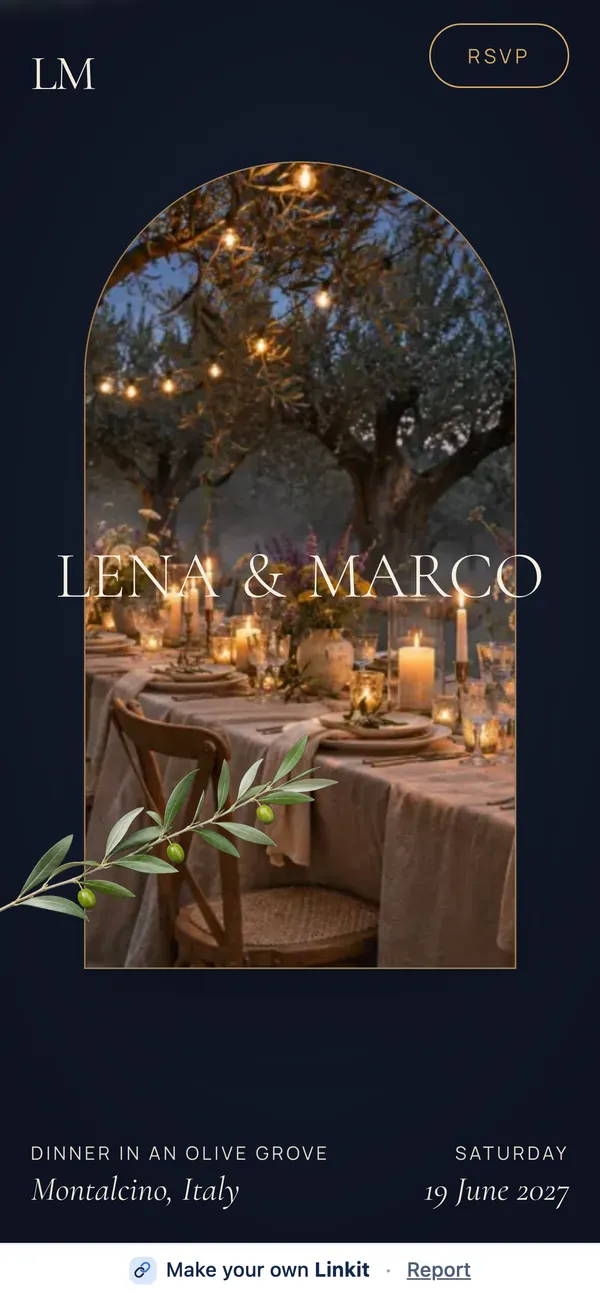
The answer in 3 steps
How do I make something like a Muse Space that I can share?
-
1
Connect once
Add Linkit to ChatGPT, Claude, Grok or Gemini. It takes about a minute, and the free plans of ChatGPT, Claude and Grok work.
How to connect → -
2
Describe your idea
Ask your AI for the same thing you'd ask Muse for: a planner, a tracker, a trivia game. Keep changing it until it's right.
Copy a starter line → -
3
Make it a Linkit
Say “Make this a Linkit.” Your AI replies with a link. Send it by text, WhatsApp or email.
Ready to copy
Type this in your AI chat.
Swap in your own idea. Say who it's for and what people should be able to do on it, like RSVP, vote or keep score.
Build me a wedding planner with an RSVP list and a to-do list, easy to use on a phone. Then make this a Linkit so I can send it to my guests.
The basics
What are Muse Spaces?
Muse Spaces are custom mini apps you build inside Muse by describing an idea. Meta launched them on November 6, 2026, and you may also see them called Meta Spaces or Spaces in Muse. Meta's examples include a trip planner, a wedding planner with an RSVP list, a trivia game, a shopping hub and an order tracker.
Built by describing it
You tell Muse the idea and it builds a space. No code. You keep adjusting it in chat, or check things off and add notes right in the space.
Lives inside Muse
A space sits in your sidebar or main tabs. You can hide it, or schedule when it shows up, like a weekly planner that gives way to weekend plans on Saturday.
Updates from your apps
Connect your apps and a space keeps itself up to date in the background, with things like new concert dates, price changes or savings progress.
Side by side
Muse Spaces vs. Linkit: what's the difference?
A Muse Space is built for you, inside your app. A Linkit is built to be sent: a web page with its own link, made from whichever AI you already use.
| Muse Spaces | Linkit | |
|---|---|---|
| Made in | Muse | ChatGPT, Claude, Grok or Gemini |
| Where it lives | Inside your Muse app | A web page with its own link |
| Share with someone else | Meta is still exploring this | Yes, send the link |
| They need an app or account | Sharing isn't available yet | No, it opens in any browser |
| Several people use it together | Personal for now | Yes, RSVPs, votes and scores are saved for everyone |
| Updates itself from your apps | Yes, with connected apps | No, ask your AI to change it |
| Appears on a schedule | Yes, inside Muse | No |
| How long it lasts | Stays in Muse | 7 days on Free; with Pro, 1 hour to forever |
Picking one
Should I use a Muse Space or a Linkit?
Use a Muse Space when it's just for you. Use a Linkit when someone else needs to open it.
Choose a Muse Space
For a personal dashboard that pulls from your own apps, like a gift list built from your saves, or a tracker that checks prices for you.
Choose a Linkit
For anything you need to send: an invite with RSVPs, a trip plan for the group, a poll, a sign-up sheet, a quiz or a small game.
Or use both
Keep your private wedding planner in Muse, then send guests a Linkit with the date, the map and an RSVP button.
Good to know
Is a Linkit private?
Anyone with the link can open a Linkit, but nobody else can find it. A few more things worth knowing:
Keep private details out
Leave invoices, customer messages and school emails off anything you send. A Linkit is for what the other person should see.
Only people you send it to
Pages aren't listed on Linkit or in search engines.
3 live links on Free
Changing a page doesn't use another one, and the link stays the same.
Check before you send
AI can make mistakes, so open the page and try it first. If something's off, ask for a fix.
Questions
More questions about Muse Spaces
Can you share Muse Spaces with other people?
Not yet, based on Meta's announcement on November 6, 2026. Meta says spaces are personal and that it's exploring ways to let you share them.
Is there a Muse Spaces alternative for ChatGPT, Claude, Gemini or Grok?
Yes. ChatGPT, Claude, Gemini and Grok can all build planners, trackers and games in chat. Connect Linkit and say “make this a Linkit”, and what they built becomes a web page with its own link.
Does Linkit work with Muse?
Not yet. Linkit works with ChatGPT, Claude, Grok and Gemini today. This guide will change if Linkit becomes available in Muse.
Can I turn a Muse Space into a Linkit?
Not directly. Describe the same idea to ChatGPT, Claude, Grok or Gemini, paste in the content you want to keep, and say “make this a Linkit”.
Does the other person need Muse or an account?
No. A Linkit opens in any browser on any phone or computer. They don't need Muse, an AI account or an app.
Can people fill it in, vote or play?
Yes. RSVPs, votes, sign-ups and game scores are saved on the page, so everyone with the link sees the same ones.
Is Linkit free?
You can start free with up to 3 live links, each up for 7 days. With Linkit Pro you choose how long a link stays up: from 1 hour to a year, or forever.
Is Linkit part of Meta?
No. Linkit is an independent product and isn't made by or connected with Meta. Muse and Spaces are Meta's.
Pages you can open now.
An example wedding invite with RSVPs
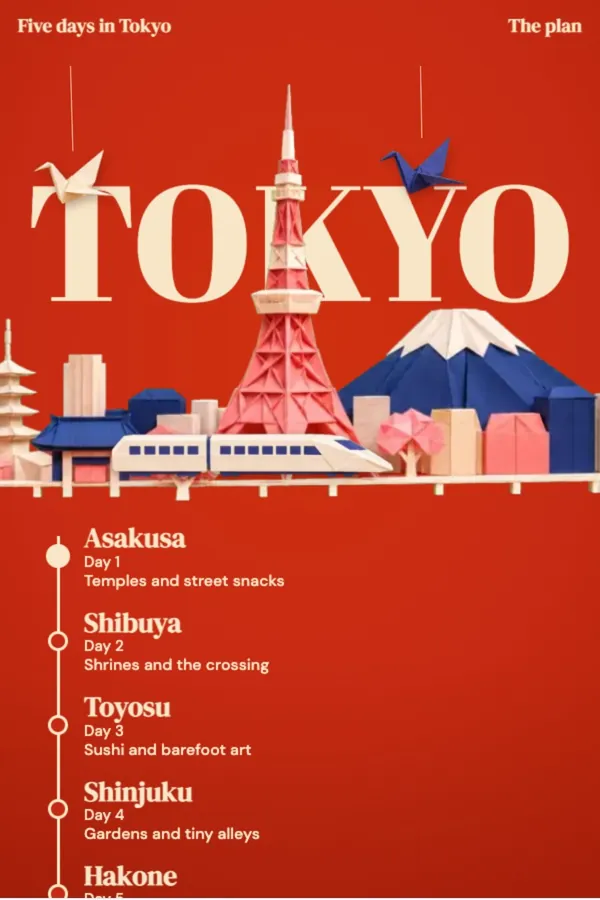 An example five-day trip plan
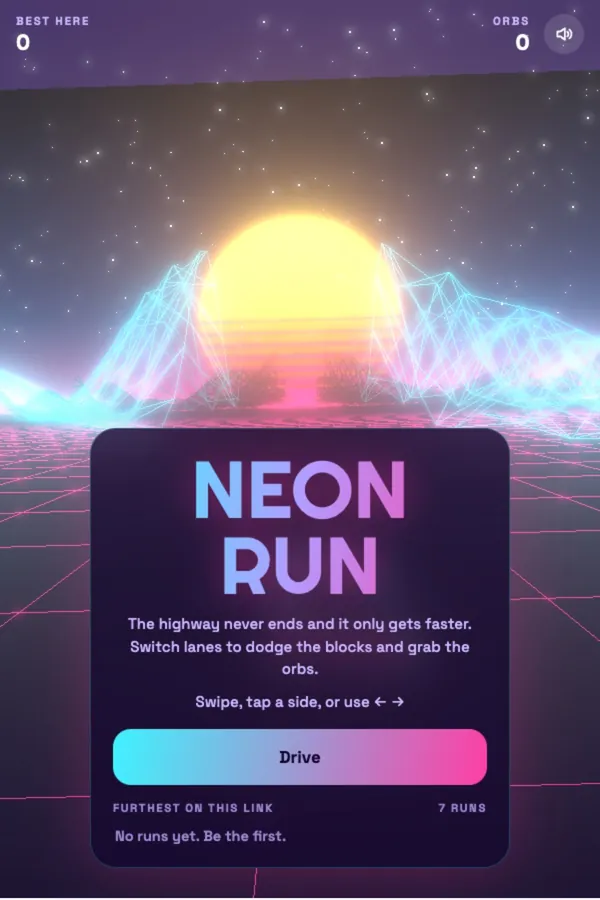 An example game you can play on a phone