linkit
Guide4 min readUpdated October 18, 2026
How to share something you vibe coded (a site, game or tool) as one link
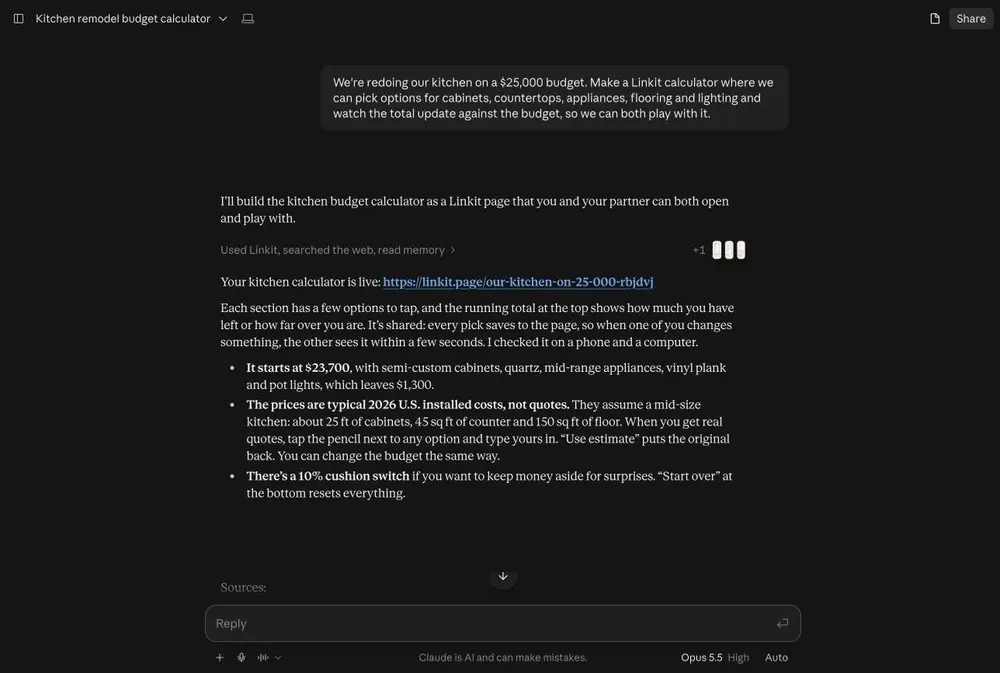
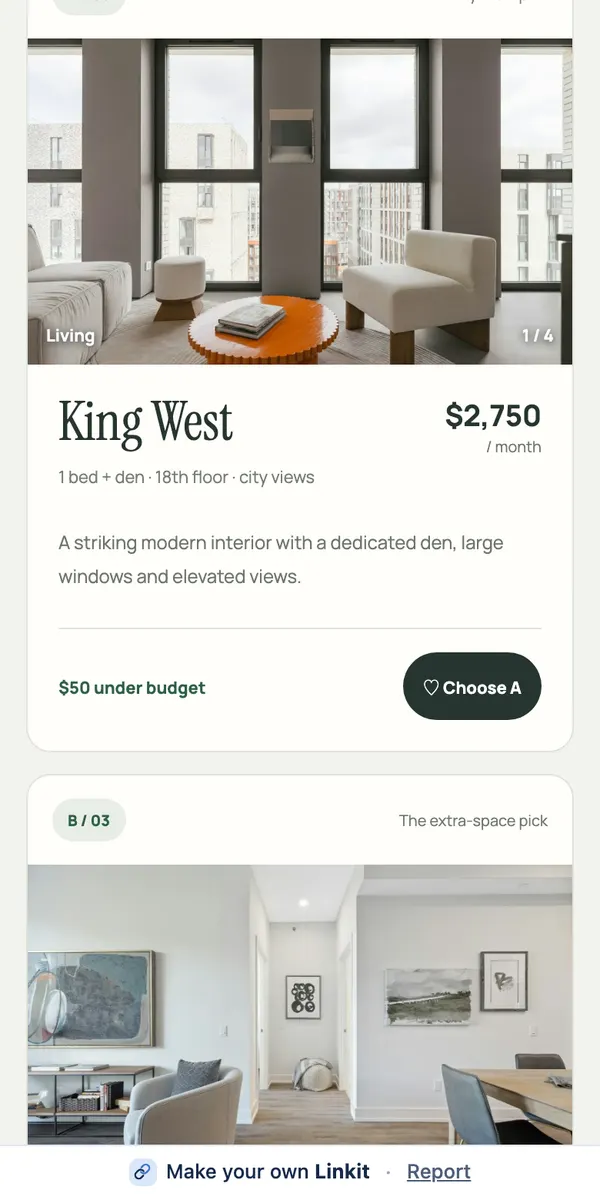
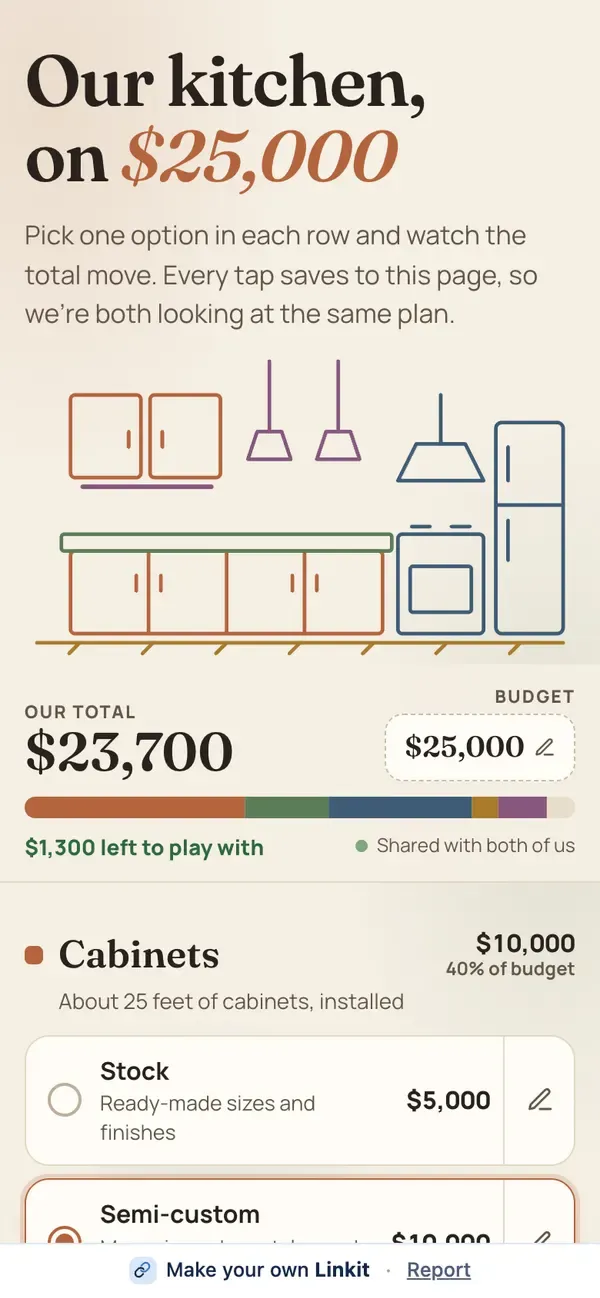
To share something you vibe coded, connect Linkit to your coding agent once (if it can add a connector), then say “make this a Linkit”. Your agent sends the page to Linkit and you get a link that opens in any browser: nothing for them to install or sign in to, no hosting for you to set up. Works for a one-page site, a game or a small tool.
Show me how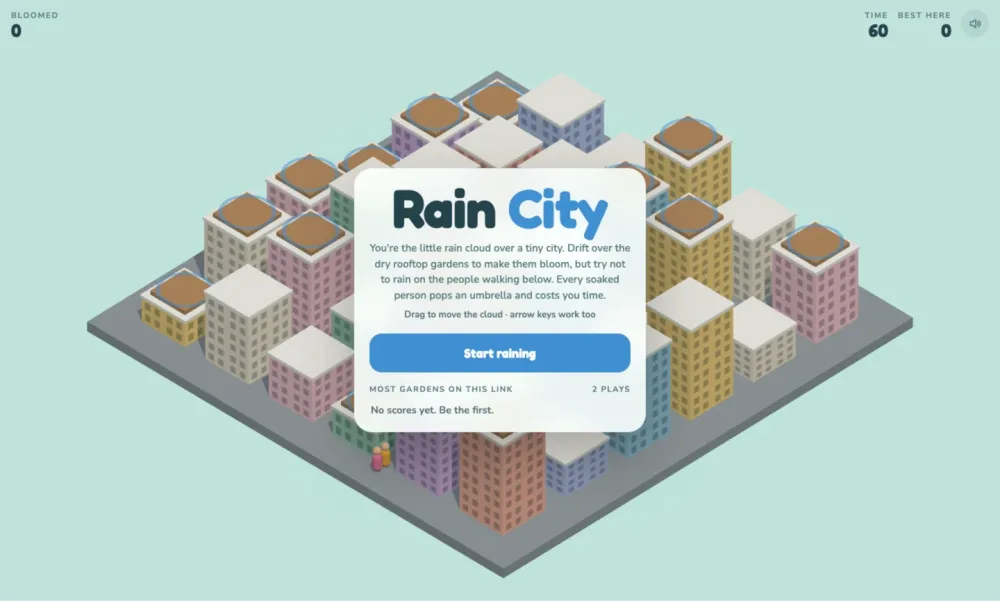
The answer in 3 steps
How do I share a vibe-coded site or game?
-
1
Connect once
If your coding agent can add a connector by address, with sign-in, add Linkit at
How to connect →https://app.linkitapp.ai/mcp(it's an MCP connector). The steps for ChatGPT, Claude and Grok show what it looks like. -
2
Say the words
When it runs the way you want: “Make this a Linkit.” Your agent puts the page together as one file and publishes it.
Copy the line → -
3
Send the link
Anyone opens it in a browser, on a phone or a computer. Changed something? Ask your agent to update the same Linkit, and the link shows the new version.
Ready to copy
Say this to your agent.
If it keeps scores or answers, say “keep the scores on the page” so everyone with the link sees the same ones.
Make this a Linkit. Keep everything in one page, and make sure it works on a phone.
Our examples
What can a Linkit page be?
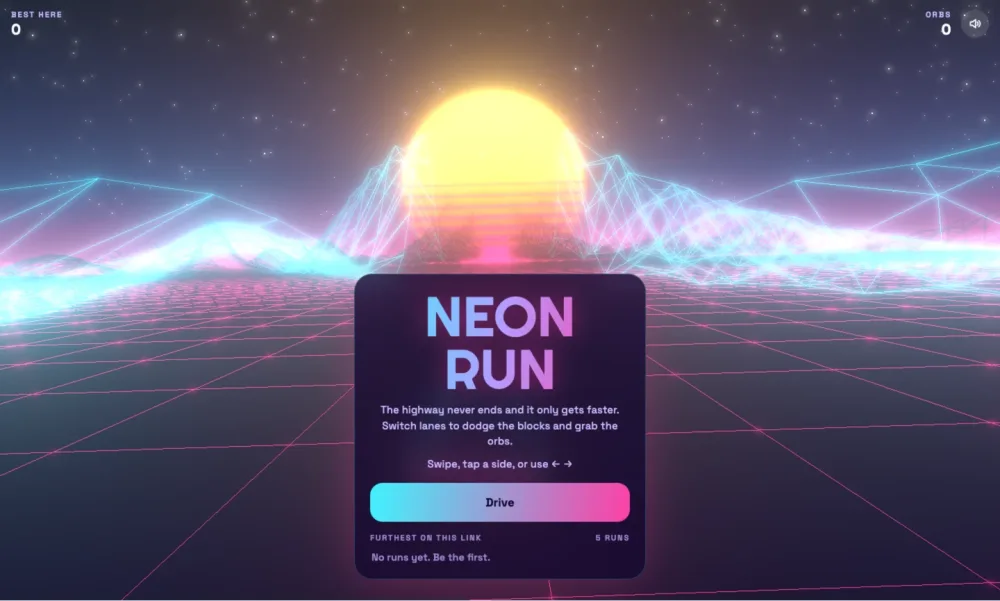
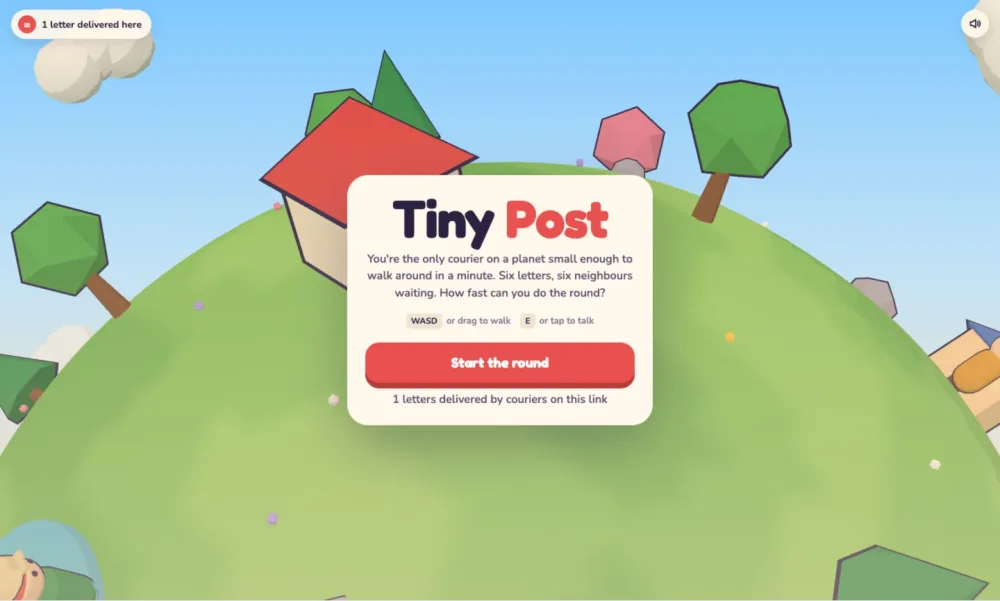
Our examples: three small 3D games we built and published as Linkit pages. Each one is a single page, and each keeps a best-score list that everyone who opens the link shares.
What fits
What fits on one page?
A Linkit is one web page. Here's what that means in practice.
One page, about 1 MB of code
A Linkit page is a single web page: styles, scripts and all, up to about 1 MB. Your agent can bundle everything into it.
Photos stored separately
Up to 100 photos per page, stored by Linkit and not counted in the 1 MB. Upload them in Linkit (Saved items → + New → Upload photos) and ask your agent to use them.
Shared data up to about 256 KB
Scores, votes and sign-ups that everyone sees live in the page's own shared store, about 256 KB per page. Plenty for a leaderboard, not for a database.
No accounts for players
Anyone with the link can open it. Pages aren't listed on Linkit or in search engines.
After you've sent it
Can I update it after people have the link?
Yes. Change the code, then ask your agent to update the same Linkit; the link stays the same and shows the new version.
Changing it
Ask your agent for the change. The page updates and everyone with the link sees the new version. Changing a page doesn't use another link.
How long it lasts
On Free, 7 days. With Pro, you choose: from 1 hour up to a year, or forever. Delete it sooner and it stops working at once.
Plans
Free: 3 live links at a time and 2 GB for photos and videos. Pro: 50 live links, 10 GB, PDFs on pages, videos up to 60 seconds. $4.99 a month or $39.99 a year.
Questions
More questions
Which coding agents work?
Any AI app that can add a custom connector by address, with sign-in. We don't keep a list; if yours has a place to add a connector, paste the address and sign in to Linkit. The steps for ChatGPT, Claude and Grok are on the support page.
Does the other person need an account?
No. The link opens in any browser on any phone or computer, with no app and no account.
Can it be a site with several pages?
One Linkit is a single page. For several, make a Linkit for each and link between them, or keep it to one page with sections.
Can it save scores or answers?
Yes. Votes, sign-ups and scores are kept on the page and shared by everyone who opens the link, up to about 256 KB per page.
How long does the link last?
On Free, a link stays up 7 days. With Linkit Pro you choose: 1 hour, 5 hours, 1 day, 7 days, up to a year, or forever. On any plan you can delete a link sooner and it stops working at once.